New: step-by-step guides for self-photoshoots, tripod photos and model digitals.Read the guides

Solo photoshoots

The app to take pictures of yourself, hands-free

A self photoshoot needs someone to press the shutter, and that someone is usually a timer or a patient friend. ViaCamera is an iPhone camera app that does it while you stand in the frame.

Download on the App Store

ViaCamera is an iPhone app. Scan this code with your iPhone camera to open it in the App Store.

Open in the App Store
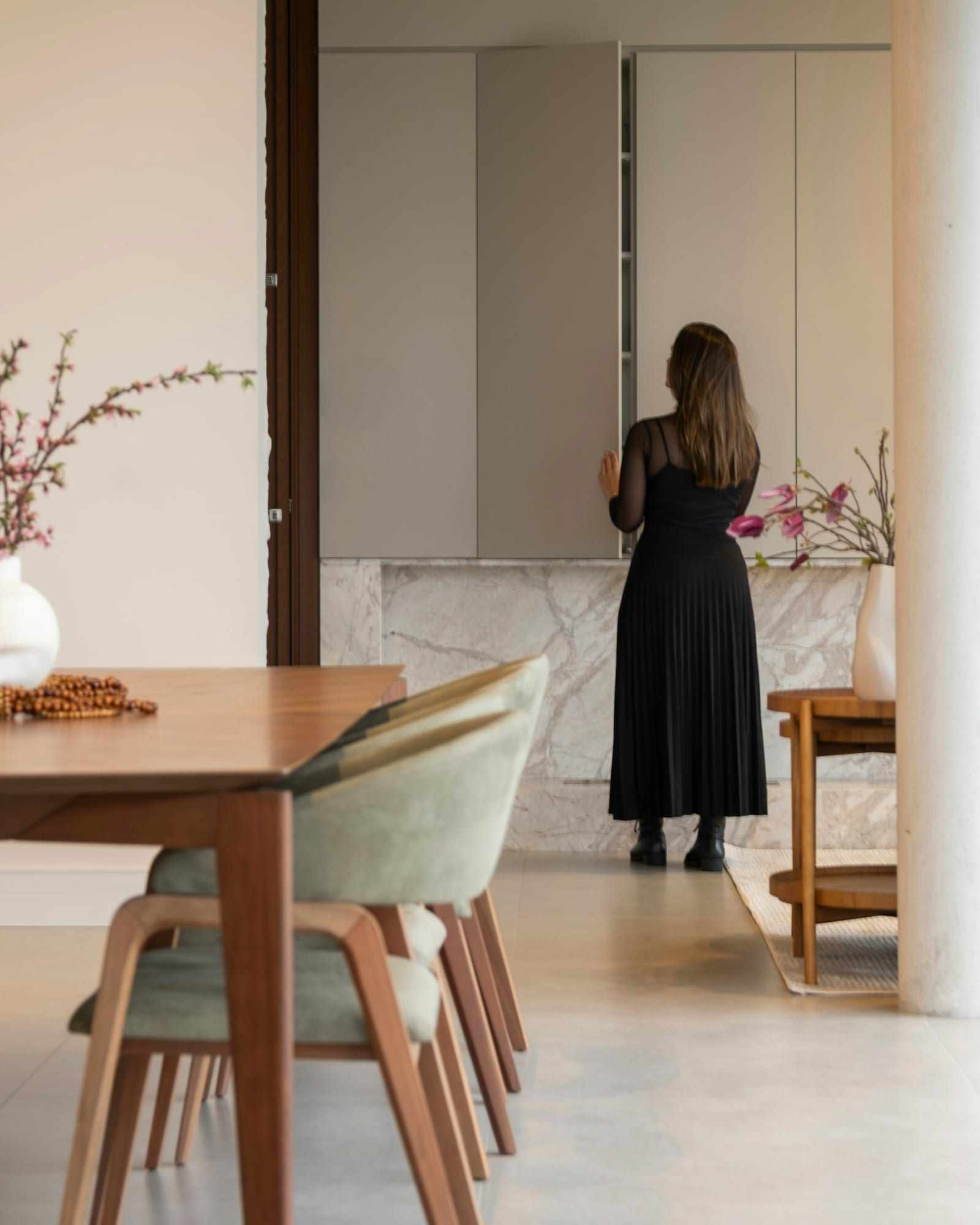
Woman in a long black dress stands facing a cabinet in a bright, modern dining area

Short answer

A self photoshoot needs a way to press the shutter while you are in the picture. ViaCamera is an iPhone app that handles it: tap the shutter once, step into the frame and pose. AI-FACE takes a photo when your face is in frame and your eyes are open, and AI-BODY when it sees you in frame. The photos are real ones from your iPhone camera.

Why use an app to take pictures of yourself?

  • No one to take it

    You want a good photo of yourself, and nobody is around to press the button. Asking a friend every time gets old fast.

  • Racing the timer

    A countdown means pressing, hurrying into place and posing in the last second. Each new countdown means walking back to the phone.

  • Handing your phone to a stranger

    Asking someone nearby is awkward, and the result is often not the angle or the framing you pictured.

  • Few keepers from a long session

    Every trip back to the phone breaks your pose, so a long session can end with a handful of rushed shots instead of a relaxed run to choose from.

How ViaCamera helps you shoot alone

  • A shutter that fires while you pose

    Nobody has to stand behind the phone, because ViaCamera presses the shutter: no timer, remote or Bluetooth clicker. You tap the shutter once to start, and it keeps taking photos each time it sees what the mode waits for, until you tap again to stop.

    Auto Shutter Camera App for iPhone
  • A photo when your face is in frame and your eyes are open

    AI-FACE waits until it sees your face in the frame with your eyes open, then takes the photo. It works with the front or the back camera.

    Face Detection Camera App: AI-FACE and AI-BODY
  • Full-body shots

    AI-BODY takes the photo when it sees you in frame, so it suits full-body and outfit shots from farther back.

    Face Detection Camera App: AI-FACE and AI-BODY
  • Real photos, nothing generated

    ViaCamera only decides when to press the shutter. You get a normal photo from your iPhone camera, not an AI-generated image.

    How an AI Camera Takes Photos by Itself

What is a self photoshoot?

A self photoshoot is a session where you are both the subject and the photographer. You choose the spot, set up the phone and take the pictures alone. People do them for profile photos, outfit photos, portraits and travel pictures. An app to take pictures of yourself handles the one step that normally needs a second person: pressing the shutter.

The rest is up to you. Where the phone sits, where the light comes from and how you pose decide most of the result, and the guide to taking pictures of yourself walks through all of it. ViaCamera only decides when to press the shutter.

How does a self photoshoot with ViaCamera go?

Pick a spot and one look

Choose one corner, one outfit and one kind of photo for your first session. Put your iPhone on a shelf or a stack of books with the lens clear, at about eye level for a portrait or around chest height for a full-body shot. Pick the front or the back camera, then AI-FACE for a close portrait, AI-BODY for a full-length frame, or PHOTO if you want to press the shutter yourself.

Start it and step in

Tap the shutter once and walk into the frame. AI-FACE takes a photo when your face is in frame and your eyes are open. AI-BODY takes one when it sees you in frame. There is no countdown to race, so walk in at your own pace and expect the first frame or two to catch you mid-step.

Keep posing, then go through the run

Turn your shoulders, shift your weight, change what your hands do. ViaCamera keeps taking photos each time it sees what the mode waits for, until you tap again to stop. Afterward, scroll through the run and keep the ones you like.

Shots to try at your first self photoshoot

  • Woman with blonde hair and blue eyes looks toward the camera in soft daylight

    A window-light portrait

    Face a window, or turn about 45 degrees to it, and put the phone at about eye level. A head-and-shoulders frame is a good place to start.

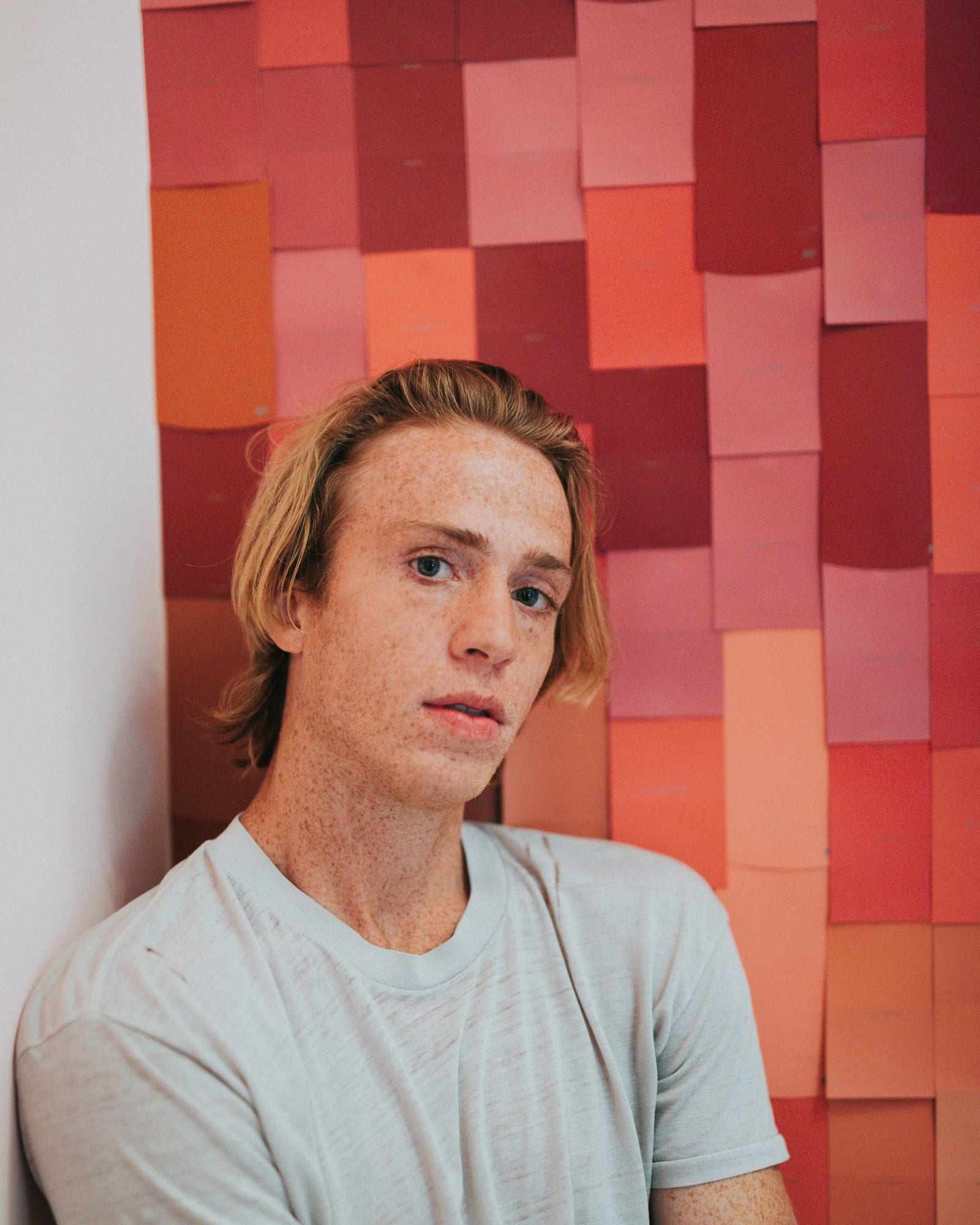
  • Man with blond hair and freckles leans against a wall in a grey t-shirt

    A plain-wall portrait

    Stand a step or two in front of a plain wall, which keeps your shadow off it and leaves nothing behind you to pull the eye away. AI-FACE is the mode to try for a close frame like this.

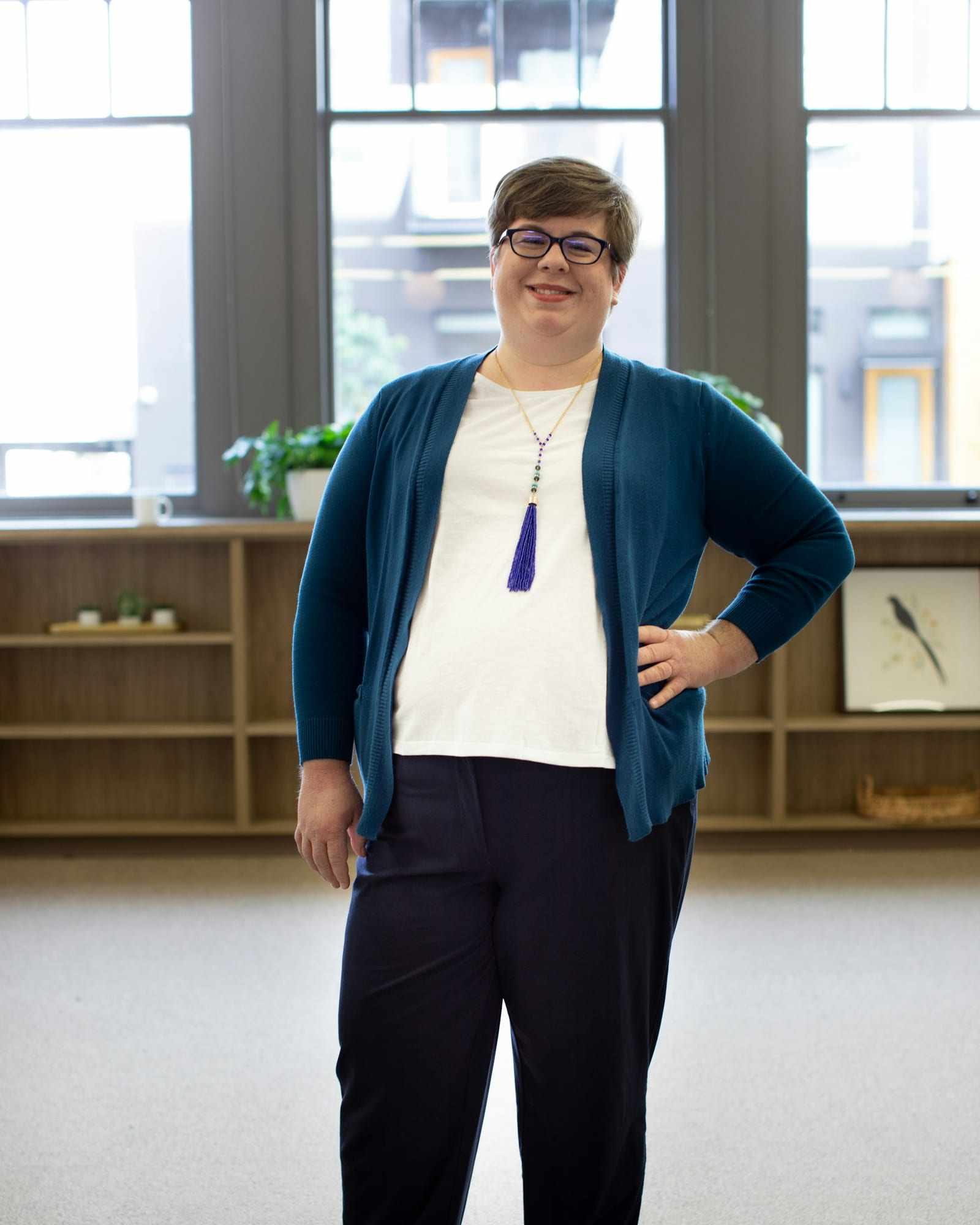
  • Smiling person with glasses in a blue cardigan and dark trousers stands in a bright room

    A full-body outfit shot

    Set the phone farther back and frame it vertically, with a little room above your head and below your feet. AI-BODY is the mode to try here.

Start here

Frequently asked questions

What is the best app to take pictures of yourself?
It depends on how you shoot. The Camera app's built-in timer is free and already on your iPhone, and a Bluetooth remote or the Camera Remote app on an Apple Watch lets you fire the shutter from a distance. ViaCamera takes the photo itself, which suits you if you want no timer or remote at all.
Can an app take a picture of me automatically?
Yes, ViaCamera is an iPhone app that does. Tap the shutter once to start, then step into the frame. In AI-FACE mode it takes a photo when your face is in frame and your eyes are open, and in AI-BODY mode when it sees you in frame.
Is ViaCamera an AI photo generator?
No. ViaCamera takes real photos with your iPhone camera. It only decides when to press the shutter, based on what the mode waits for, so nothing in your photo is generated by AI.
Do I need a tripod for a self photoshoot?
No. Any steady spot works: a shelf, a windowsill or a stack of books. Check that the phone cannot slip and keep the lens clear, with the camera at about eye level for a portrait or around chest height for a full-body shot. A tripod just makes it easier to choose the height and angle.

Try a self photoshoot with ViaCamera

Free to download, with a 1-month free trial for new subscribers.

Download on the App Store

ViaCamera is an iPhone app. Scan this code with your iPhone camera to open it in the App Store.

Open in the App Store