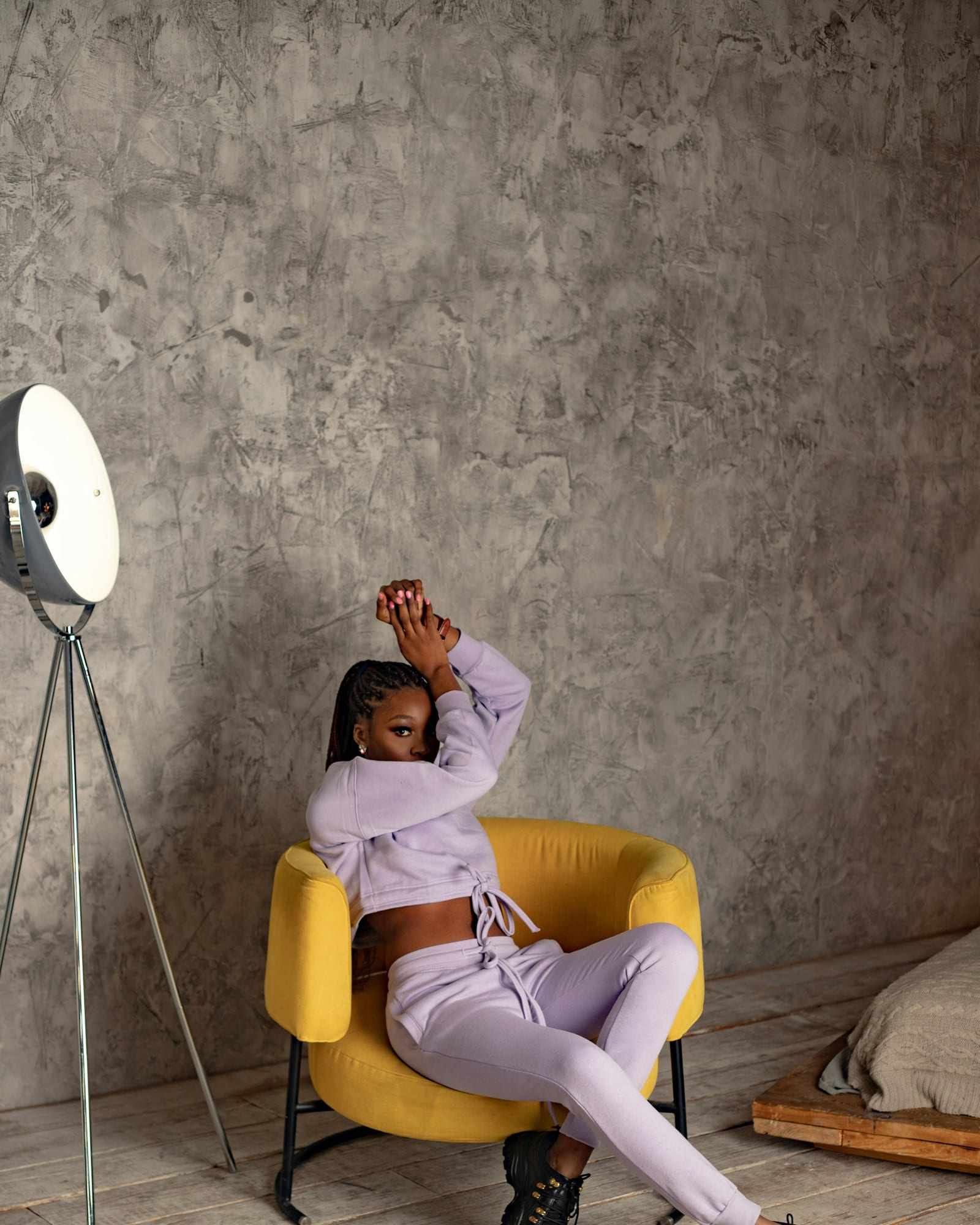
These self photoshoot ideas at home need nothing beyond your phone and the rooms you live in. The main guide to taking pictures of yourself covers the general method, and this page is the idea list. Each self portrait idea says where to put the phone, which camera to use, how to pose, and whether a close or a full-body frame suits it.
Set the phone on a shelf, a stack of books or a tripod, and turn on Grid in Settings under Camera to keep it straight. Pick a way to press the shutter from a distance before you start; the guide to taking photos without a timer compares the options.
Which self photoshoot ideas at home work by the window?
Window-light portrait
Face the window or turn about 45 degrees to it. Put the phone at eye level, on the back camera if you can frame it without seeing the screen. A close head-and-shoulders frame suits this best.
Silhouette against the glass
Stand with your back to the window and let the light make a dark outline. Set the phone at chest height on the back camera, since only the outline needs to read, and use a full-body frame. Turn your head to the side for a clean profile.
Reading by the window
Sit on the floor or a chair with a book in your hands. Place the phone a few feet away at about eye level on the front camera, so you can check the frame, then look down at the page. A half-length frame fits well.

Which ideas work against a plain wall?
Classic wall portrait
Stand a step or two in front of the wall so your shadow stays off it. Use the front or back camera at eye level and take a close frame. Try a neutral look, then a small smile.
Leaning on the wall
Lean one shoulder against the wall and cross your ankles. Put the phone at chest height on the back camera and step back for a full-body vertical frame. Look away from the lens for a candid feel.
Which ideas work in cozy corners?
Sofa curl
Sit in the corner of the sofa with your knees up and a blanket around you. Put the phone at eye level across the room on the back camera, with a half-length frame. Hold a mug or a book to give your hands a job.
Armchair portrait
Sit sideways in an armchair with one arm on the back. Set the phone across from you on the back camera, level and a bit above eye level. A three-quarter frame shows both you and the chair.
Bed morning shot
Sit up in bed near a window with a pillow behind you. Place the phone on a chair or a shelf at about eye level, on the front camera so you can see the frame from the bed. A close frame suits it, and soft daylight does the rest.
Which ideas use doorways, hallways and stairs?
Doorway frame
Stand in an open doorway and let the frame act as a border. Place the phone straight ahead and level on the back camera, with a full-body vertical frame. Lean on one side and look away.
Hallway walk
Set the phone at the end of a hallway on the back camera and walk toward it slowly. Use a full-body frame at chest height. The walls draw the eye toward you, and the motion looks natural.
Sitting on the stairs
Sit two or three steps up, and set the phone on a chair at the foot of the stairs, at about your chest height, on the back camera. Rest your elbows on your knees, lean forward a little and look just past the lens. A vertical frame from your head down to your feet suits it.
Which everyday moments make good self photos?
Coffee break
Hold a mug with both hands and look out the window. Put the phone on the table at eye level on the front camera, and use a close frame. A slow sip between frames loosens your expression.
Cooking in the kitchen
Stand at the counter stirring or chopping while the phone sits a few feet away on the back camera. A half-length frame shows your hands. Do something real, since it makes your face relax.
Which ideas work for outfits and getting ready?
Mirror-free outfit photo
Set the phone at chest height on the back camera, a few steps away, and frame the whole outfit vertically. Turn a quarter turn between photos to show how it hangs. Check your feet are inside the frame.
Getting-ready moment
Set the phone at chest height on the front camera, then fasten a button, adjust a collar or put on a jacket, repeating the movement slowly over several frames. A half-length frame keeps the focus on your hands and face. Nobody poses while they button a coat, so these frames tend to look candid.
How do you choose between a close and a full-body frame?
Pick the frame by what the idea is about. If it is your face, your mood or a small action such as a sip of coffee, a close or half-length frame keeps the viewer on you. If the idea is about the outfit, the pose or the place, step back and go full-body, and turn the phone upright.
Switch between the two within one session. Shoot a close set first while you are fresh, then move the phone back for the full-length ones. Changing frames also gives you a reason to reset your pose, which keeps the set varied.
Can an app press the shutter for these ideas?
Most of these ideas want a run of photos while you do something, not a single pose. Many involve moving or sitting far from the phone, so the Camera app’s timer means a walk back for each new countdown.
ViaCamera is an iPhone app that takes the photo for you. Tap the shutter once to start, then step into the frame, and it keeps taking photos each time it sees what the mode waits for, until you tap again to stop. In AI-FACE mode that is your face in frame with your eyes open, and in AI-BODY mode it is you in the frame. For ideas where you look away, look down or turn side-on, AI-BODY is the mode to try.