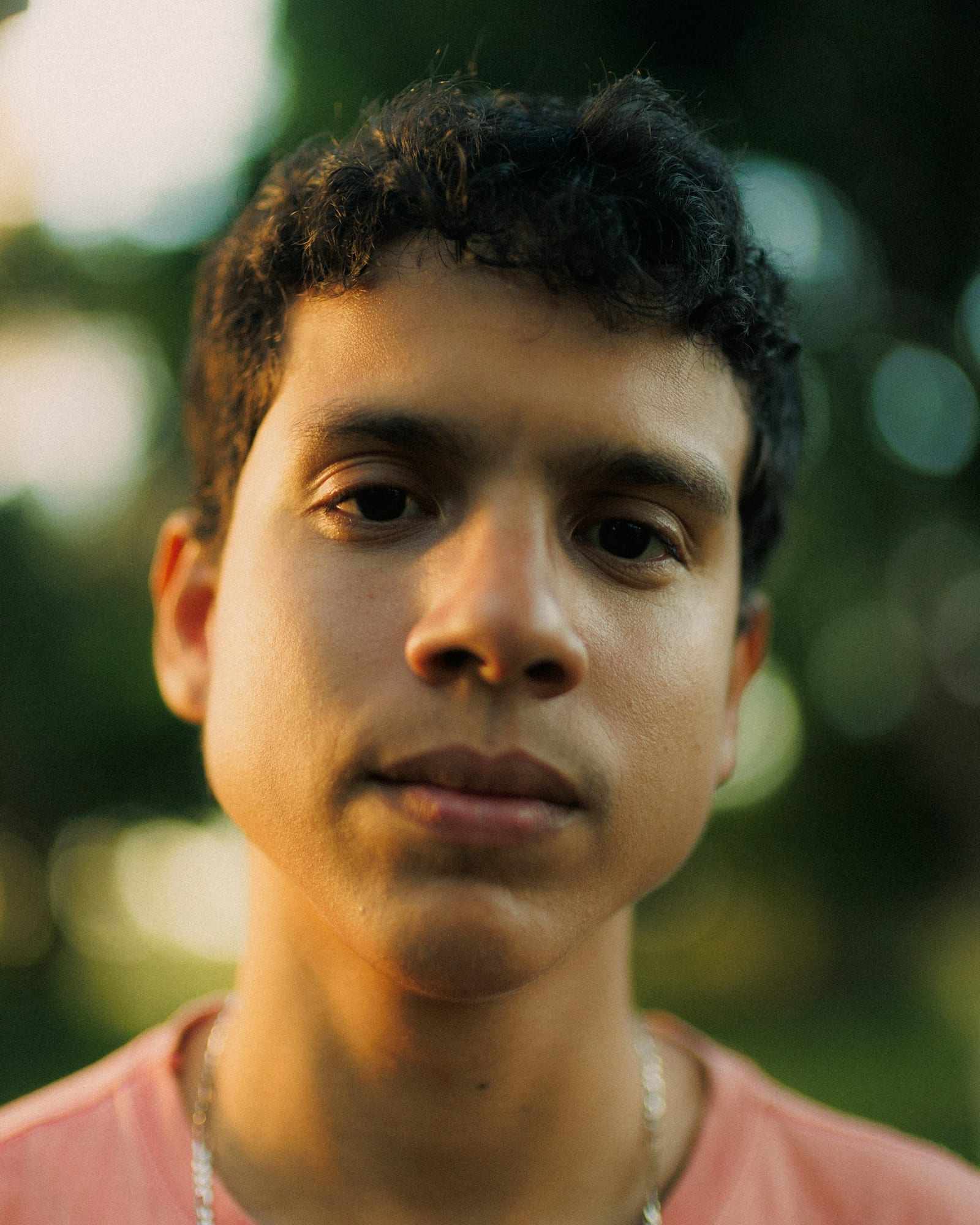
Digitals are the plain photos at the start of most modeling conversations, and the full guide to taking them at home shows how to shoot your own. This page covers the basics: what digitals are, who uses them and what a good set looks like.
What are digitals in modeling?
Digitals are simple photos that show how you look, with no styling to flatter or hide anything. A typical set includes a headshot, a profile and full-length shots from the front, side and back. They are usually taken in natural light against a plain wall.
The word covers a purpose more than a camera. A digital can be taken on a phone or a camera, as long as it is clear, current and honest. Many people also call them polaroids, and the difference between digitals and polaroids is mostly a matter of history.
Why do agencies and clients ask for them?
Agencies and clients want to see the person behind the portfolio. Digitals show your face, skin, hair and body as they look today, which helps them judge whether you suit a job or a brand. Because the photos are plain, they are easy to compare across many applicants.
Digitals also help when your look changes. A new haircut or hair color matters to a client, and a recent set shows it at once. Many agencies ask for them as a first step, before any meeting, so check the submission page for details.
How do digitals differ from portfolio photos?
A portfolio shows your best work, usually from professional shoots with styling, lighting and editing. It tells a client what you can do. Digitals show what you look like when nothing is added.
That difference changes how you take them. You skip dramatic light, heavy makeup, props and filters, and you avoid posing like a photo shoot. The goal is a clear record, not a striking picture.
Think of digitals as a reference and a portfolio as a showcase. Both can matter, but they answer different questions. If you are early in your career and have no portfolio, a good set of digitals is usually the place to start.
What does a good set of digitals look like?
A good set is clear, consistent and current. The photos are sharp and well lit, with your eyes open and your whole face or body in the frame. Nothing distracts from you: the background is plain, the clothes are simple and the makeup is light.
Typical sets cover:
- A front headshot with a relaxed expression.
- Profile shots from each side.
- A three-quarter view.
- Full-length shots from the front, side and back.
Many sets include a smiling and a non-smiling version of the headshot. Agencies differ in what they ask for, so check the instructions before you shoot, and read the model digitals checklist for a shot-by-shot list.
What do digitals not need?
Digitals do not need a professional photographer, a studio or expensive gear. They also do not need styling, props, dramatic poses or a special location. A tidy wall, a window and a steady phone cover the whole job.
They also do not need to flatter you. A good set is accurate, not impressive, and an agency would rather see your real look than a polished version it cannot match in person. If you feel pressure to make them look perfect, remember that clear and honest is the goal.
How often should you update your digitals?
Update them whenever your look changes in a way a client would notice. That includes a new haircut, a new hair color, a change in weight or tan, or a change in your overall style. Many people also refresh them regularly, because recent photos are more useful than old ones.
If you send an agency photos that no longer look like you, it can cause confusion at a meeting. Taking a new set takes about half an hour, so it is worth doing before an application rather than after. Keep your old sets labeled by date, so you can see how your look has changed and which setup worked best.
Can you take your own digitals?
Yes, and many people do. A phone, a plain wall and some daylight are enough for a first set, and the manual method works without any special app. The only awkward part is pressing the shutter while the phone is away from you.
An auto-shutter app removes that step. ViaCamera is an iPhone app that takes the photo for you, with no timer, remote or Bluetooth clicker, and the photos are real photos from your iPhone camera, not AI-generated. In AI-FACE mode it fires when your face is in frame and your eyes are open, which suits front headshots, and in AI-BODY mode it fires when it sees you in frame, which suits profile and full-length shots.
You tap the shutter once to start, and it keeps taking photos each time it sees what the mode waits for, until you tap again to stop.
For the full method, including clothes, light and phone setup, follow the guide to taking model digitals at home.