
New: step-by-step guides for self-photoshoots, tripod photos and model digitals.Read the guides

Content creators

The app to take outfit photos by yourself

ViaCamera is an app to take outfit photos by yourself: it takes the photo while you stand back in the frame. You need no mirror, no helper and no phone in your hand.

Download on the App Store

ViaCamera is an iPhone app. Scan this code with your iPhone camera to open it in the App Store.

Open in the App Store
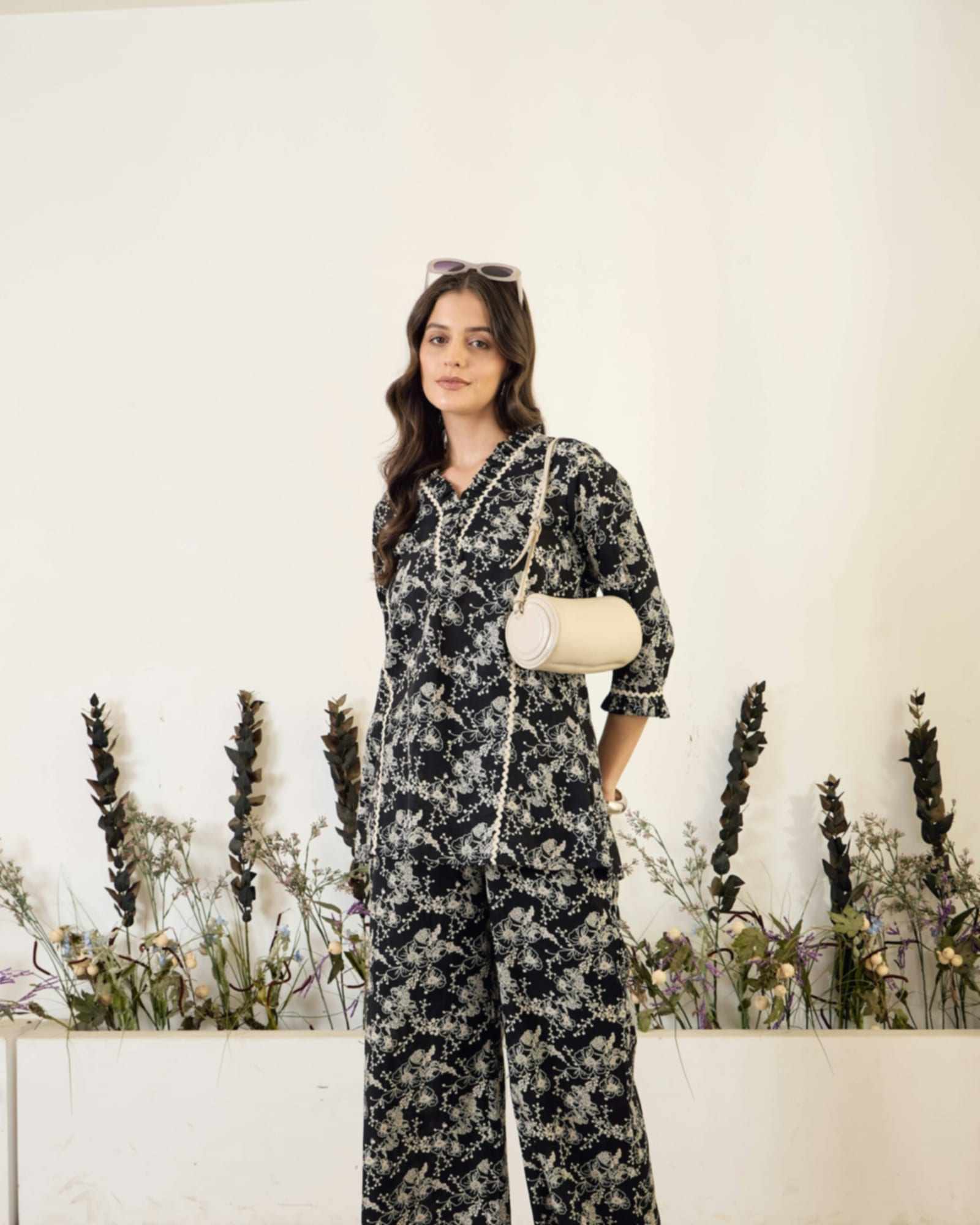
Woman in a patterned two-piece outfit holding a small cream bag stands against a white wall

Short answer

ViaCamera is an iPhone app for outfit photos you take alone, with no mirror in the shot. Set your iPhone on a tripod or a shelf, tap the shutter once and step back. AI-BODY takes a photo each time it sees you in frame, until you tap again, so you can change poses between frames. AI-FACE suits closer shots, and every photo is a real one from your iPhone camera.

Why use an app to take outfit photos by yourself?

  • Mirror selfies hide the outfit

    The phone covers part of you, the glass adds glare and the angle shortens your legs. The clothes you want to show end up half out of frame.

  • A phone in your hand in every shot

    Holding the phone narrows your poses and tilts the frame. It also keeps you close, so full-length looks are hard to fit in.

  • Daily posting takes time

    Posting outfits often means shooting often. Every extra trip to restart a countdown makes each look take longer to capture.

  • Keeping a consistent look

    A feed or a shop looks tidier when every photo shares the same distance, height and background. That is hard to repeat if you hold the phone differently each time.

How ViaCamera helps with outfit photos

  • A photo when it sees you in frame

    Shoes, hem and neckline all fit when you stand a few steps back, and AI-BODY takes the photo when it sees you in frame. You still choose the mode, the camera and the framing.

    Face Detection Camera App: AI-FACE and AI-BODY
  • No phone in your hand

    Both hands stay free for a bag, a jacket or a pose: ViaCamera presses the shutter itself, so there is no timer, remote or clicker. Tap once before you step back, and it keeps taking photos each time it sees what the mode waits for, until you tap again to stop.

    Auto Shutter Camera App for iPhone
  • A setup you can repeat

    Put the phone in the same spot, frame the same background and tap once. A fixed setup keeps your distance, height and framing steady from one look to the next.

    How an AI Camera Takes Photos by Itself

Who takes outfit photos by themselves?

Outfit photos come up in a lot of jobs: a daily OOTD post, fashion content, or a resale listing where you model the piece you sell. What they share is a full-length frame that usually needs a second person or a lot of walking back and forth.

Height, distance and posing decide most of how an outfit reads, and the guide to full-body pictures of yourself covers all three.

How do you shoot a look with ViaCamera?

Build a station you can repeat

Stand your iPhone upright on a tripod or a shelf at about waist to chest height, facing a plain wall or a tidy corner. Leave room above your head and below your feet so the whole look fits. Either camera works, and PHOTO mode, a regular manual shutter, is there for a single piece shot on its own.

Take your place in front of the backdrop

Tap the shutter once and step back. AI-BODY takes a photo when it sees you in frame, which suits full-length looks from a few steps away. For a closer look at a top or an accessory, AI-FACE takes one when your face is in frame and your eyes are open.

Swap details between frames

Move the bag to your other hand, open the jacket, tuck in the shirt. ViaCamera keeps taking photos each time it sees what the mode waits for, until you tap again to stop. You end up with a run of frames and keep the one where the fit reads best.

What helps outfit photos look consistent?

Mark your spot on the floor with tape and keep the phone at the same height and distance each time. Shoot at the same time of day or with the same lamp on, so colors match from one look to the next. The guide to tripod height and distance gives rules of thumb for different spaces, and the guide to lighting for self portraits at home covers window light and lamps.
Outfit shots to try

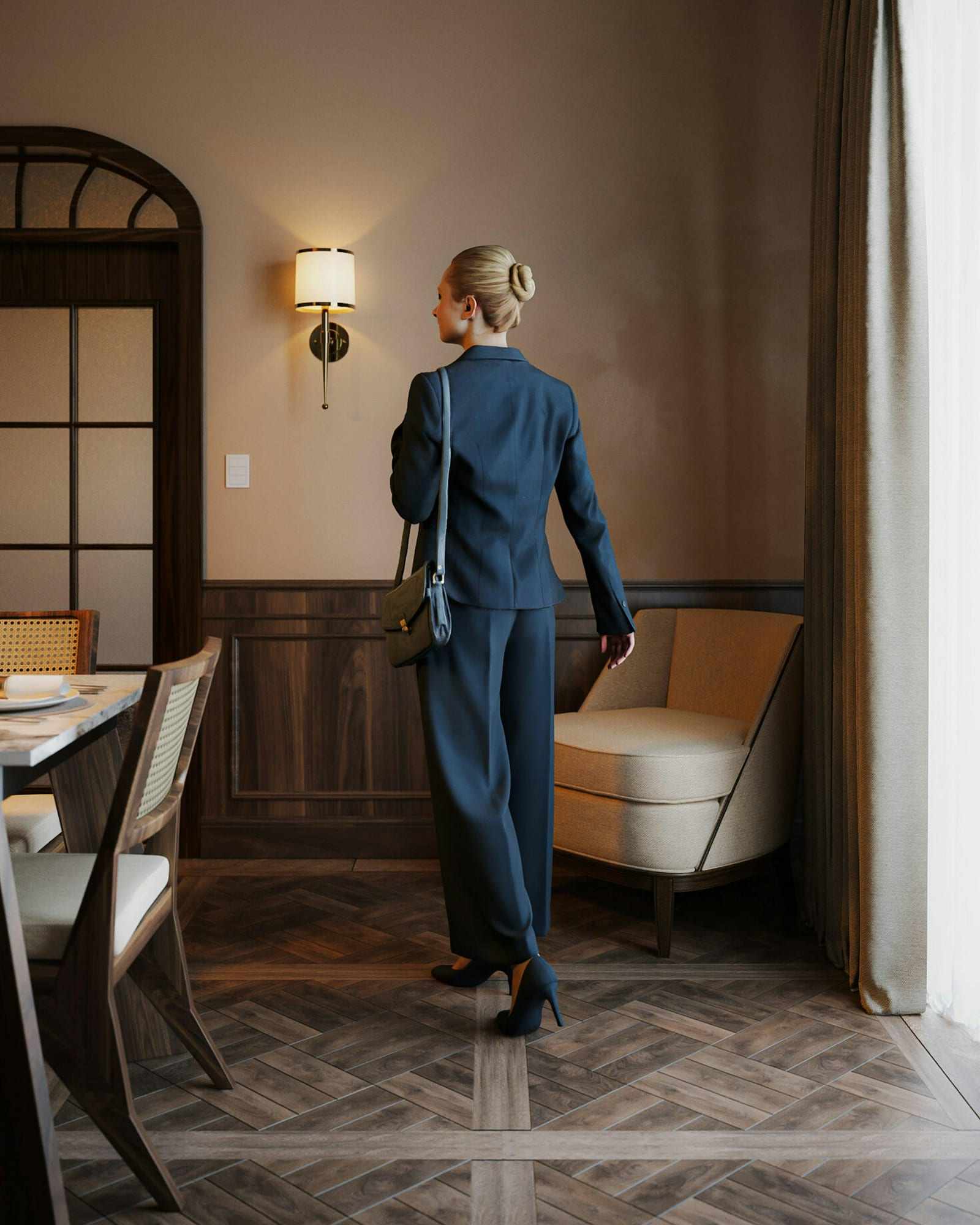
  • Woman in a navy suit stands with her back to the camera in a warm room

    Your back to the camera

    Set the phone upright at about chest or waist height across a room or at the end of a hallway, then walk away from it or turn around. AI-BODY is the mode to try, since it needs you in frame and not your face.

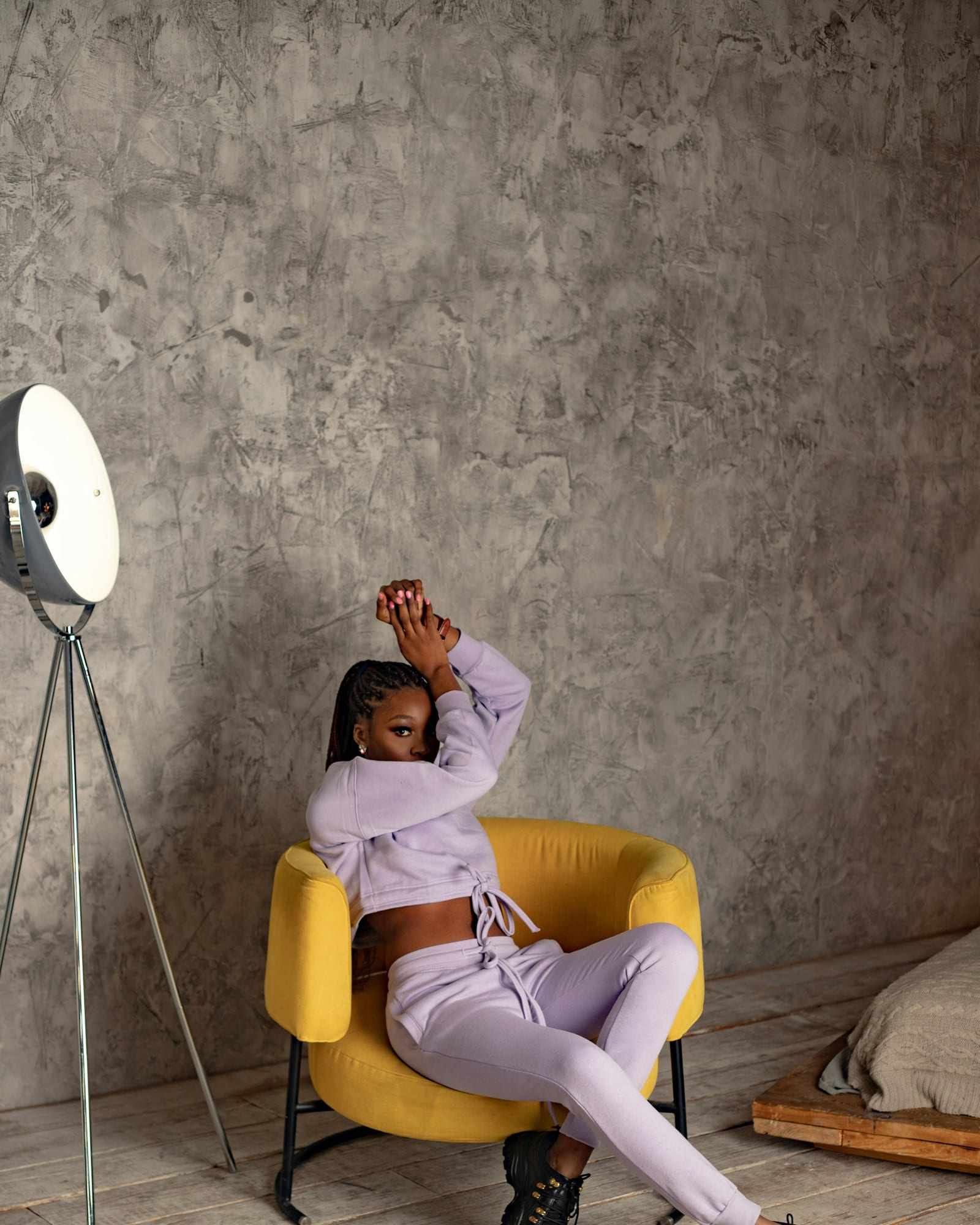
  • Woman in lilac loungewear sits on a yellow armchair beside a tripod floor lamp

    A seated look

    Set the phone at about chest height for a seated pose, far enough back to fit the whole chair, and sit at an angle to it. A three-quarter turn shows the outfit while your face stays toward the lens.

Start here

Frequently asked questions

How do I take outfit pictures by myself?
Set your phone on a tripod or a steady surface, frame the full look and step into the shot. Fire it with the built-in timer, a Bluetooth remote or an auto-shutter app. Take a run of frames, then keep the ones where the outfit and your pose both read well.
How do I take OOTD photos without a mirror?
Prop your phone at about chest or waist height, facing a plain wall or a clear patch of floor a few steps away. Fire the shutter without holding the phone, then walk into the frame. Skipping the mirror removes glare and lets the whole outfit show.
What is the best height for outfit photos?
For a full-length outfit shot, put the phone at about chest or waist height and keep it level. For a closer, portrait-style shot, about eye level works better. A lens that tilts down can shorten your legs, so keep the phone straight.
Can I use ViaCamera for resale listing photos?
Yes, for photos of you wearing the pieces you sell, which is what ViaCamera is made for. Set the phone down, tap once and model each piece while AI-BODY takes a photo each time it sees you in frame. For an item on its own, PHOTO mode works as a regular manual camera.

Take your outfit photos with ViaCamera

Free to download, with a 1-month free trial for new subscribers.

Download on the App Store

ViaCamera is an iPhone app. Scan this code with your iPhone camera to open it in the App Store.

Open in the App Store